Connect · AI features and MCP

AI that does real work inside your software

We have built AI into our own products: an AI Co-worker that edits QuoteCloud documents, an MCP service that lets AI assistants create documents, and AI-search readiness for every WebDirector site. We bring the same practical approach to your systems.

The service

Practical AI, with people still in charge

AI features are most useful when they sit inside the tools your team already uses and do a specific job well. That might be drafting a document from a template, pulling details out of a PDF, answering questions from your own records, or letting an AI assistant take actions in your system through the Model Context Protocol, known as MCP. The aim is less typing and faster turnaround, with the final say left to a person.

This work suits organisations with repetitive, document-heavy tasks and good data to draw on, and leaders who want results they can measure rather than a demonstration. It also suits software companies that want their own platform to work with AI assistants. We have done this in our own products: the QuoteCloud AI Co-worker, an MCP server with 85 tools, booking PDF extraction and AI-search readiness for WebDirector sites.

Responsible AI is part of the design, not an afterthought. We agree which data a feature can see, which model provider processes it and where, what is logged, and when a human must review the result. For Australian organisations that means designing around the Australian Privacy Principles and your own policies. Done well, AI earns trust slowly and keeps it, because people can see what it did and undo it.

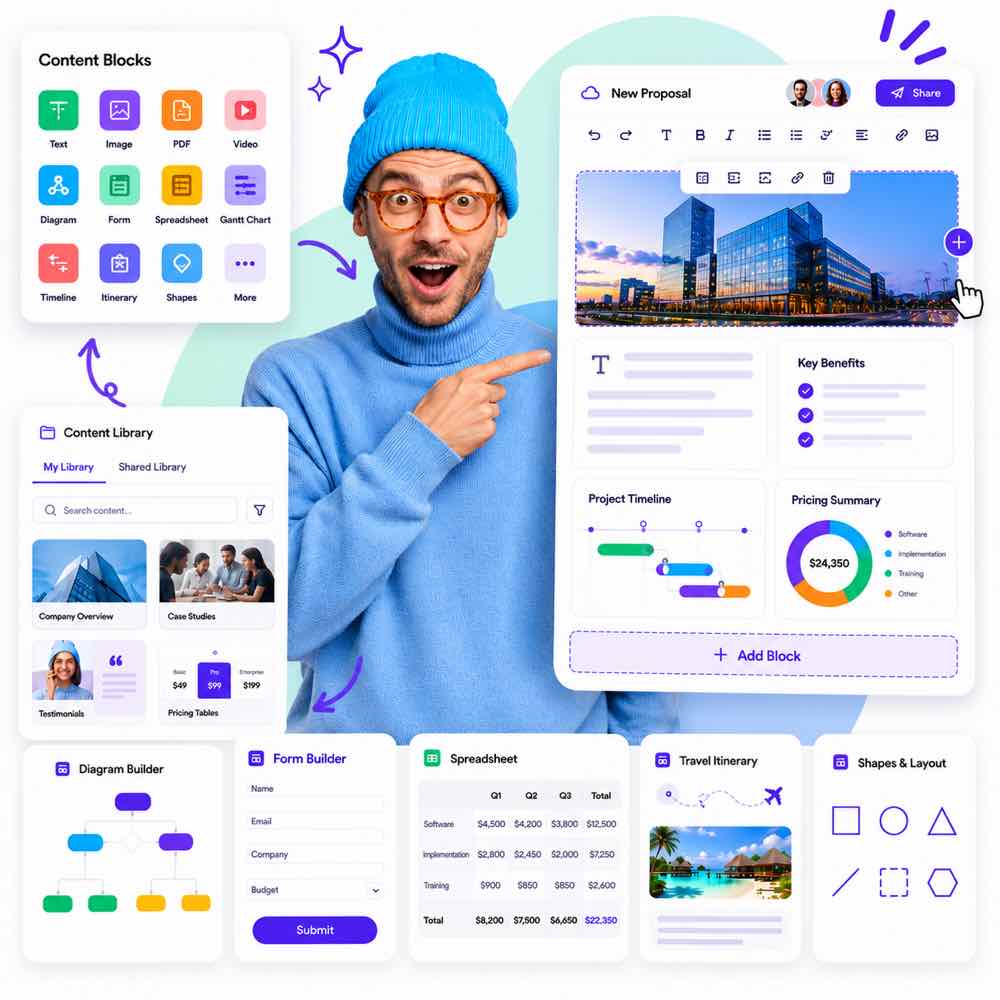
A proposal being built with content apps

Useful, not a gimmick

AI that applies changes your team would otherwise make by hand, with undo and review.

Open to assistants

MCP services so tools like Claude can work with your data, under your permissions.

Found by AI search

Structured content, llms.txt and crawler controls so assistants describe you correctly.

85MCP tools in QuoteCloud for AI assistants
2025the AI Co-worker launches in QuoteCloud
EveryWebDirector site gets llms.txt and AI crawler controls
Is it right for you?

This is for you if…

  • Your team produces documents or records that follow a predictable pattern, many times a week.
  • Information arrives in PDFs or emails and someone has to type it in again.
  • Staff are already using AI tools informally and you want a safer, approved way.
  • You run a software platform and customers are asking how it works with AI assistants.
The problem

Sounds familiar?

If two or more of these ring true, this is where we can help.

  1. 01

    Your team spends hours on documents that follow the same pattern

  2. 02

    Information arrives as PDFs that someone has to type in again

  3. 03

    Staff want to use AI assistants with company data, safely

  4. 04

    You want ChatGPT, Claude and Perplexity to describe your business correctly

What’s included

What we deliver

Every engagement is scoped to your goals. These are the pieces we are asked for most.

01

Use case assessment

A short review of the tasks where AI could help, ranked by time saved, risk and how easily results can be checked. It keeps effort focused on a few jobs with a clear return.

02

Prototype on your data

A working test using your own documents and examples, run in a controlled environment. It shows real accuracy and real limitations early, before you commit to building a full feature.

03

Embedded AI features

Assistants and actions built into your existing software, with clear previews, undo and approval steps. People stay in the workflow they know rather than copying text in and out of a chat window.

04

MCP server for your platform

A Model Context Protocol service that lets AI assistants such as Claude read and act on your data, limited to each user’s existing permissions. It opens your platform to AI without opening it to everyone.

05

Document and data extraction

Turning PDFs, emails and forms into structured records, with confidence checks and a review screen for anything uncertain. It removes the most tedious re-keying while keeping a person on the exceptions.

06

Guardrails and governance

Permissions, logging, data handling rules, model provider choices and usage reporting, documented for your privacy and risk teams. It makes the feature easier to approve internally and safer to scale.

AI assistants embedded in business workflowsMCP servers for your platformDocument and data extraction (for example itineraries from booking PDFs)AI-assisted content with human reviewAI-search readiness for websitesGuardrails, logging and permissions
Decisions worth getting right

Questions to settle before the first prompt

Which model provider should we use?

Major providers offer capable models, and the right choice depends on the task, cost per use, speed, and where data is processed and stored. Business agreements matter as much as benchmarks: check whether your data is retained or used for training. We often design features so the model can be swapped later, which protects you as prices and capabilities change. For sensitive data, regional hosting may narrow the options.

How much should AI do without a person checking?

Start with AI suggesting and people approving. As accuracy is measured over real use, low-risk steps can become automatic, while anything involving money, legal commitments, personal information or customer messages usually keeps a review step. A clear preview, an undo and a log of what changed make review quick. The goal is to remove typing, not accountability.

Off-the-shelf AI tools or features built into our software?

General AI assistants are excellent for individual productivity and cost little to start. Built-in features make sense when the task depends on your own data, needs to follow your rules, or must be repeated consistently across a team. An MCP server can bridge the two, letting the assistants staff already like work safely with your systems. Many organisations end up using all three.

How it runs

How a ai features and mcp project runs

Typical stages and how long each usually takes. Your plan is set during discovery, with working software to see at every stage.

How we work

  1. Find the job

    1–2 weeksWe review candidate tasks with your team, look at sample documents and data, and agree privacy requirements. You get a short list of use cases with expected value and risks.

  2. Prototype and evaluate

    2–4 weeksWe build a working prototype and test it against a set of your real examples. You get measured accuracy, cost per use and a clear recommendation on whether to proceed.

  3. Build in

    4–10 weeksWe build the feature into your software with permissions, review steps, logging and usage reporting. Your team tests it on real work before a wider rollout.

  4. Measure and refine

    OngoingWe track usage, accuracy, corrections and cost, then improve prompts, data and workflows. You get regular reporting and a feature that gets more useful with time.

Built on our products

Start from something proven

Where one of our products already solves part of the problem, we build on it rather than from scratch.

Questions

Common questions

Will our data be used to train AI models?

It should not be, and we design to prevent it. We choose model services and plans whose terms exclude customer data from training, send only the information each task needs, and document the arrangement for your records. If your policies require data to stay in a particular region, we factor that into the choice of provider from the start.

What happens when the AI gets something wrong?

It will sometimes, so features are designed for it. Results are shown as a preview or draft, uncertain extractions are flagged for review, and changes can be undone. We test against your real examples before launch to understand typical errors, and corrections made by your team become useful information for improving the feature over time.

How do the Australian Privacy Principles apply to AI features?

If a feature handles personal information, the same obligations apply as for any other system: collect only what is needed, use it for the purpose people expect, keep it secure and be open about how it is handled. We help you document data flows and providers so your privacy policy and any assessments reflect what the feature actually does.

What is MCP and do we need it?

The Model Context Protocol is an open standard that lets AI assistants connect to software and take actions through defined tools. You need it if you want staff or customers to work with your platform from an assistant, rather than inside your own screens. QuoteCloud has its own MCP server, so we have built and operated one in production.

How do we know if an AI feature is paying off?

Agree the measures before building: time per task, volume handled, how often results need correcting, and running cost per use. Compare a period before launch with a period after. Adoption matters too, because a feature people avoid saves nothing. We include usage reporting so the numbers come from the system rather than from impressions.

Where does our data go?

We design each AI feature with you: which data it can see, which model provider it uses and what is logged. Nothing is sent anywhere you have not agreed to.

Need software built around the way your business actually runs?

Whether you’re planning a new SaaS product, custom business software, a mobile app or a better digital workflow, we’d love to hear what you’re working on.